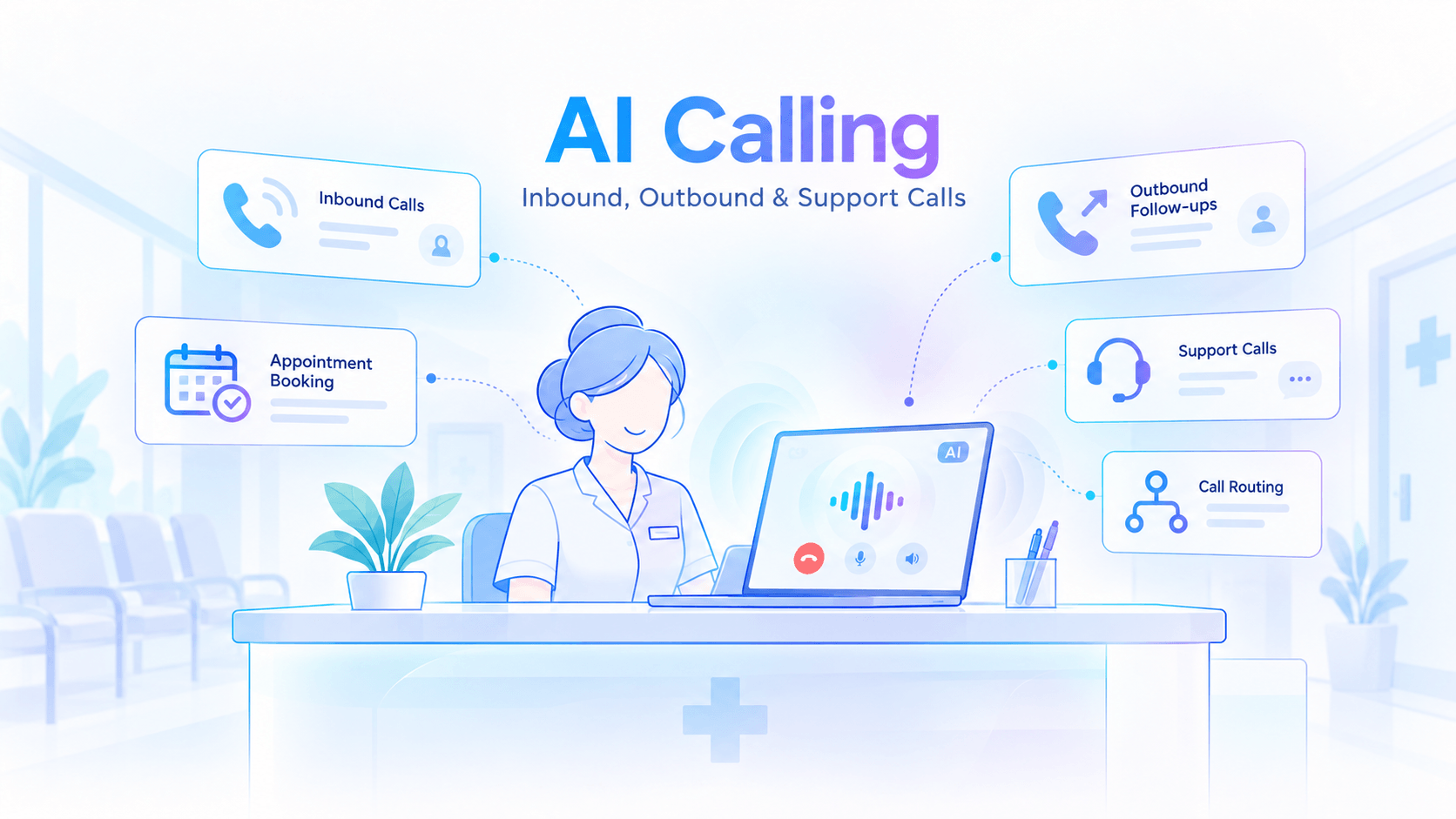


AI calling means using a computer program that can talk to people on a phone call, in a natural voice. It listens to what the caller says, understands the request, replies in speech, and completes a task such as booking an appointment or answering a question. No one needs to sit at the phone.
Think of it as a helpful team member who never gets tired, never misses a ring and can speak to many callers at once. This guide explains how it works, where it fits, and how to try it without a big risk.
AI calling is the use of artificial intelligence to receive or make phone calls and have a natural conversation with a person. Instead of following a fixed script, an AI calling agent can listen to what someone says, understand the request and respond based on the conversation.
For an inbound call, that could mean answering a common question, collecting basic details, routing the caller to the right team or helping with a simple request. For an outbound call, it could mean following up with a lead, confirming an appointment or reminding a customer about an upcoming action.
Traditional IVR, or Interactive Voice Response, usually works through fixed menus such as “Press 1 for support” or “Press 2 for sales.” The caller has to choose from the options already defined by the system.
AI calling works differently because it can understand spoken language in real time. A caller can simply explain what they need, and the AI voice agent can respond to that request without forcing them through a long menu.
For example, instead of pressing several buttons, a caller could say, “I want to reschedule my appointment for Friday afternoon.” The AI agent can understand the request and continue the conversation from there.
A robocall usually plays a pre-recorded message to many people. It is mostly one-way communication and gives the listener little or no ability to have a real conversation.
An AI calling agent can respond to what the person says. It can ask follow-up questions, understand different answers and adjust the next part of the call based on the response.
Yes. Businesses can use AI calling for both incoming and outgoing conversations.
For inbound calls, it can support common enquiries, appointment requests, call routing and basic customer support. For outbound calls, it can help with lead follow-ups, reminders, confirmations and feedback calls.
This makes AI calling useful for businesses that want to manage repetitive phone conversations more efficiently while keeping human staff available for calls that need judgement, empathy or deeper support.
|
Feature |
IVR menu |
Robocall |
AI voice agent |
|
How it talks |
Recorded menu |
Recorded message |
Natural spoken replies |
|
Caller input |
Key presses |
None |
Free speech |
|
Handles a new question |
No |
No |
Yes, within its scope |
|
Completes a task |
Routes the call |
No |
Yes, like booking a slot |
Picture a caller saying, "Mujhe kal ka time chahiye." Behind that one sentence, four things happen one after another.
It's 11 a.m. and a clinic receptionist is handling a patient at the desk while three phones ring. Two callers hang up. Those are missed enquiries, and some may never call back.
Inbound AI calling means the AI answers calls that customers make to you. It picks up every call, any time of day, so nobody is left on hold.
Here's what it typically handles:
The result is simple. Your team spends its time on calls that need a human, and every other caller still gets an answer.
A sales team gets 200 new leads, people who've shown interest in a product, from an exhibition. Two people start dialling by hand, and by evening half the list is untouched.
Outbound AI calling flips the direction. The AI makes the calls, so every name on your list gets a call.
Common uses include:
Outbound calls need extra care. Call only people who've agreed to hear from you, and let them say no easily. Good manners protect your brand, and the FAQ below covers the rules.
A coaching centre's phone rings all evening with the same questions. When does the new batch start? Where's my fee receipt? Your staff answer them again and again.
AI customer support calls take over these routine queries. The agent answers common questions, shares status updates when it's linked to your records, and notes down complaint details.
The most important part is the handoff, when the call moves from the AI to a person. If a caller is upset, confused or asks for a human, the agent should pass the call along with a short summary, so the caller doesn't repeat everything.
Good candidates for the AI are questions with clear, repeatable answers: opening hours, document checklists, delivery status, fee dates and course details. Anything sensitive or unusual should go to a person.
On a busy Saturday, a salon's stylists keep stopping mid-haircut to answer the phone. Many calls are bookings, but each interruption slows the customer in the chair.
AI appointment booking handles the whole exchange on the phone. The agent asks for the service, the preferred day and the caller's name. Once it's linked to your schedule, it offers an open slot, confirms it and sets up a reminder.
Here's a short example from a clinic:
AI: Hello, you've reached the clinic's AI assistant. How can I help?
Caller: I need a slot with the doctor tomorrow evening.
AI: I have 6:30 p.m. or 7:00 p.m. Which works for you?
Caller: 7:00 is fine. I'm Meena.
AI: Thank you, Meena. You're booked for 7:00 p.m. tomorrow. I'll send a reminder on the day.
Caller: Perfect, thanks.
In real use, the exact steps depend on how the agent is set up for your business.
A customer calling a business will speak the way they speak at home. That might be Marathi, Hindi or a local dialect, and often Hinglish, a mix of Hindi and English.
People trust a call more when it's in their own language. They ask more freely, understand more clearly and feel more at ease. Multilingual AI calling lets a business offer that without a separate team for each language.
Valuez AI is a multilingual voice and conversational AI platform for the Indian market, with regional language support including Sanskrit, Marathi and Ahirani. That matters across India, where customers are most at ease in the language they grew up with.
AI calling in India works best when the voice sounds like it belongs there.
A pilot is a small test. Pick one use case and follow these steps:
Start with one use case, such as appointment booking or missed calls, and let a pilot show you what AI calling can do for your team. See how Valuez AI voice agents work, then Book a Demo to talk it through with the team.
 1.png)
We're building something powerful for you. This feature will be available shortly.